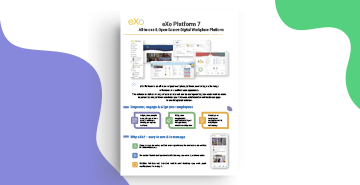

Datasheet
eXo Platform 7: Features & benefits
Download
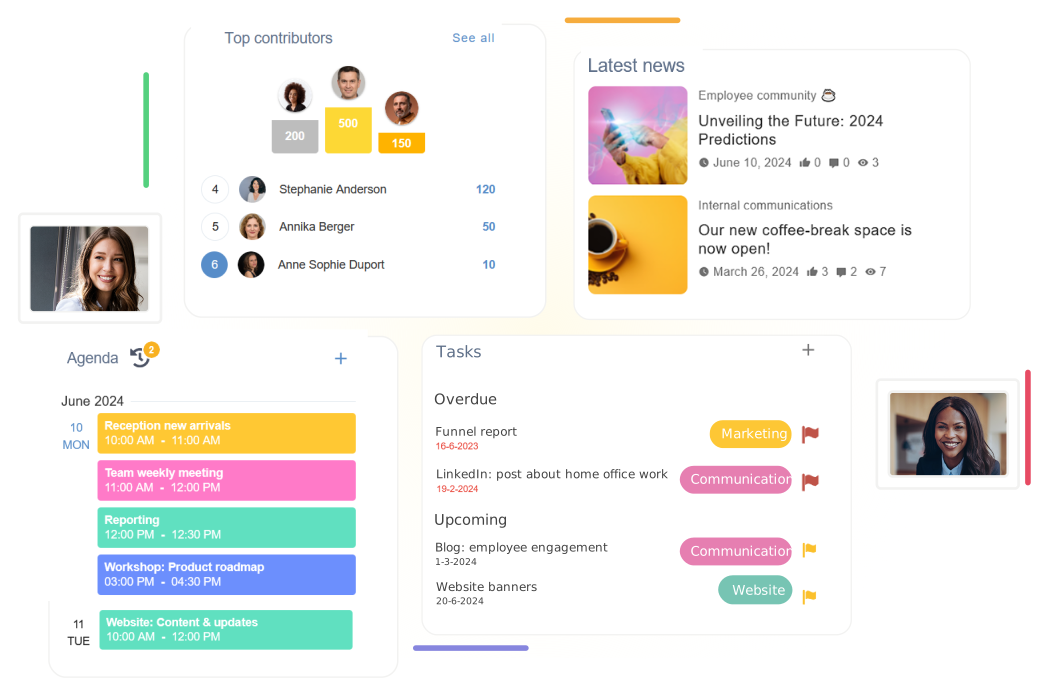



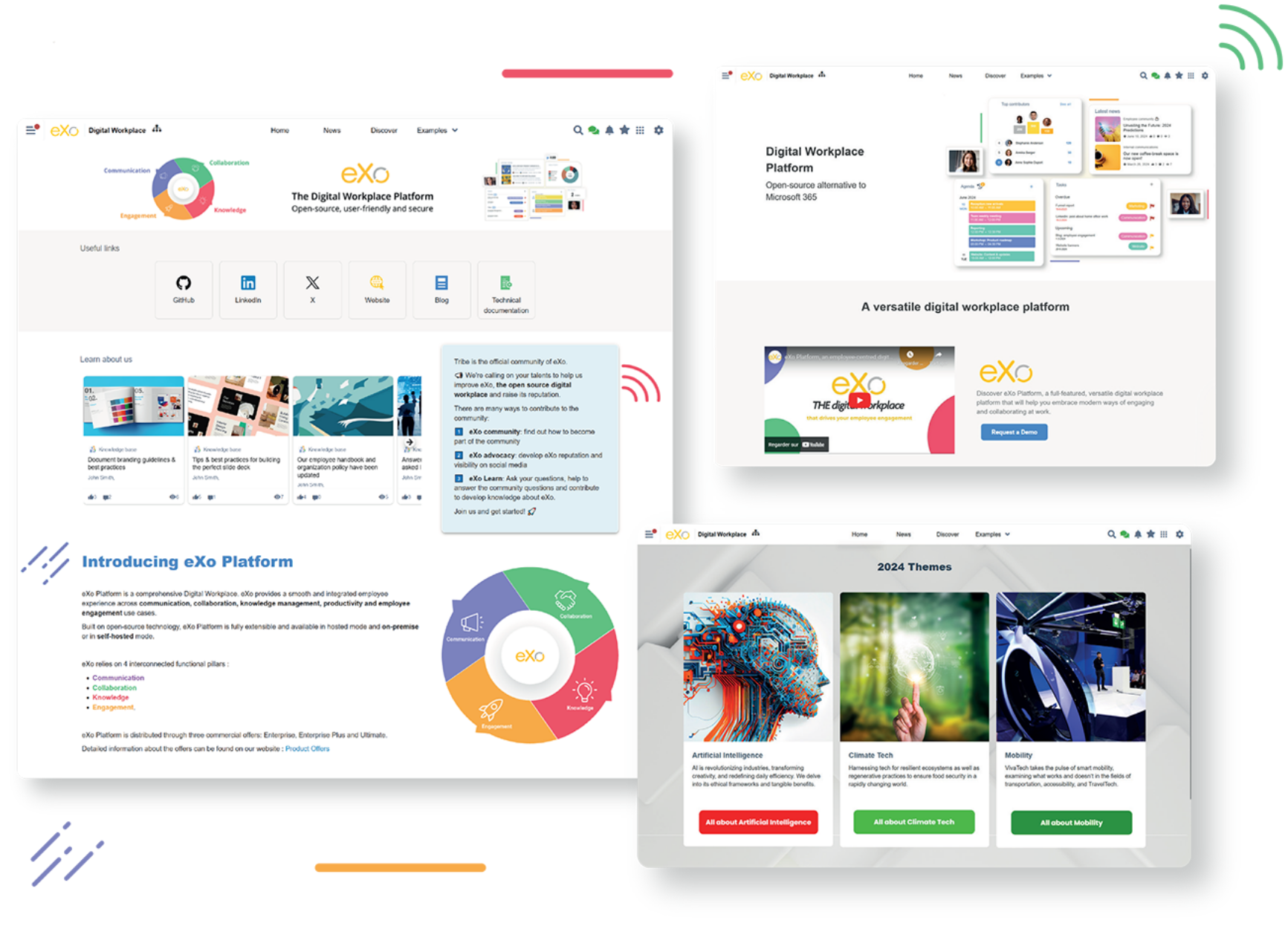
Create, organize and manage content and documents in a structured, secure way.
Create rich pages and articles, manage documents and files, and organize information with structure, access control and long-term consistency.
Structure teamwork around shared spaces.
Bring together people, content, activities and tools to collaborate effectively on projects, documents, tasks and everyday work, on-site or remote.
Support open communication and foster engagement across the organization.
Social interactions and recognition features help connect people and build active workplace communities.
Extend the digital workplace beyond the desktop.
With a full-featured, branded mobile app, users stay connected to their work, collaborate on the go and access key information wherever they are.
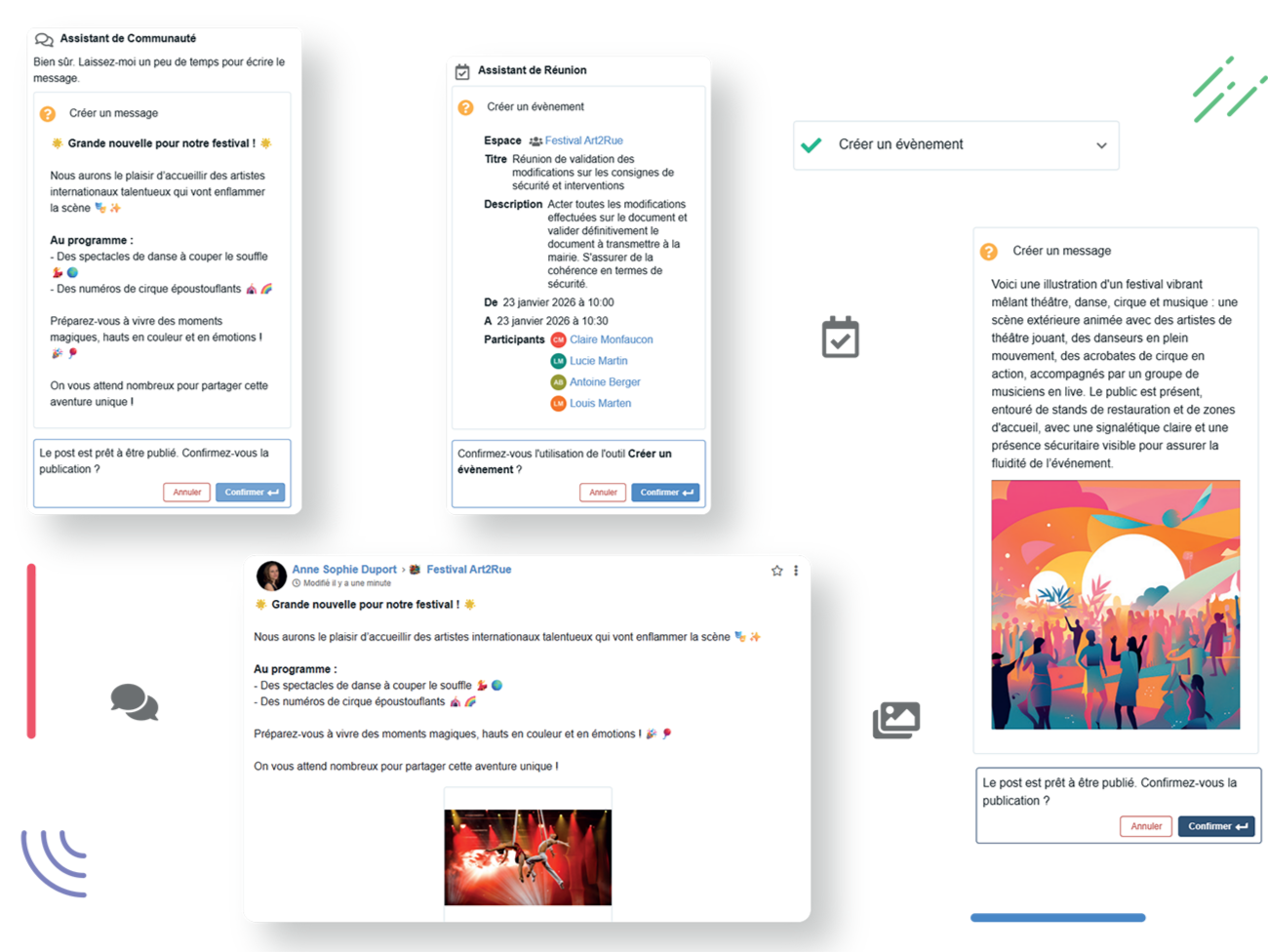
Enhance everyday work with AI embedded across the platform.
AI helps users write, search, organize information and automate repetitive, low-value tasks across content, collaboration and knowledge.
We didn’t want to deliver a boring learning experience. We envisioned an interactive environment, and eXo Platform incarnated it best.

Some of our users are constantly on the move in France or abroad, so being able to access all the collaborative functions of eXo via their secure smartphones is a key to its adoption.

We chose eXo Platform because the solution is convenient and easy to use, which enabled us to support employees very quickly in getting started.


Modern architecture, frameworks and components designed for scalability and long-term evolution.

Configure, adapt and extend the platform without development, from UI to workflows and integrations.

Up-to-date libraries, advanced security features and compliance-ready foundations.

A flexible, governed AI foundation supporting multiple models, controlled usage and human-in-the-loop by design.