


FREE WHITE PAPER
The term open source refers to any solution that has its source code widely accessible to the public for modification and sharing.
Organizations across all industries increasingly rely on digital environments that go far beyond traditional websites. They need portals, unified and intelligent platforms that function as intranets, extranets, digital workplaces, customer portals, knowledge hubs, or community ecosystems.
A modern portal brings together communication, content management, collaboration tools, workflows, user and access management, social features, and seamless integrations with business applications. The result is a cohesive digital experience that supports both operational efficiency and user engagement.
Over the last two decades, portal technology has undergone a profound transformation. What began as simple content management systems has matured into advanced Digital Experience Platforms (DXPs) capable of orchestrating complex digital ecosystems.
These platforms now act as the operational backbone of organizations, connecting people, information, and processes to enhance productivity, engagement, and informed decision-making.
Industry analyses, including those from Gartner, highlight that the DXP market continues to grow at double-digit rates. A significant driver of this growth is the increasing adoption of open source solutions, chosen for their flexibility, scalability, transparent development models, and superior cost management.
The acceleration of hybrid and remote work has further increased the demand for robust digital workplaces that ensure cohesion, collaboration, and knowledge continuity across distributed teams.
Within this landscape, open source portal software has emerged as a strategic preference, offering organizations full control over their architecture, customization, security posture, data governance, and long-term digital transformation roadmap, all without the constraints of vendor lock-in.
While many open source CMS platforms remain focused primarily on content publishing, several have evolved into comprehensive portal frameworks.
These advanced solutions support multisite and multilingual environments, structured data management, enterprise integrations, workflow automation, collaboration suites, and personalized digital experiences.
This article provides a detailed review of 10 of the most relevant open source portal software solutions, ranging from portal-first platforms and extensible CMSs to developer portals, community tools, and enterprise collaboration suites.
Each solution is examined in terms of key features, strengths, ideal use cases, and potential limitations, providing a clear guide for organizations seeking the right portal platform for their needs.
Not all open source CMSs or frameworks are created equal. While some platforms focus primarily on content publishing, others have evolved into full-fledged portal frameworks capable of supporting a wide range of organizational needs.
These advanced solutions often include multisite and multilingual management, allowing organizations to manage multiple websites or regional portals from a single platform.
Modern open source portals also provide rich collaboration and communication features, including tools for team collaboration, document sharing, discussion forums, and integrated messaging.
They support advanced personalization and access control, ensuring that users see the content and tools relevant to their role, department, or location.
Integration is another critical capability. Leading portal platforms can connect seamlessly with enterprise applications, APIs, and third-party services, enabling smooth data exchange and workflow automation across the organization.
Many platforms also handle structured content and complex workflows, streamlining processes such as approvals, publishing, and reporting.
Community and social engagement tools are increasingly common, allowing organizations to foster interaction, knowledge sharing, and engagement among employees, partners, or customers.
Understanding these differences is crucial for selecting the right open source portal. Evaluating a platform’s capabilities against your organization’s technical requirements, collaboration needs, and long-term digital strategy ensures you choose a solution that delivers real value and scales with your growth.
When organizations consider building portals, whether for intranets, digital workplaces, extranets, or community platforms, they often start by thinking about traditional CMS solutions or popular proprietary platforms.
While these tools serve basic content publishing needs, portals require a far broader set of capabilities.
Understanding these needs is crucial before exploring the best open source portal software options.
Traditional content management systems are designed primarily for blogs, marketing websites, or simple content publication. Portals, on the other hand, demand more sophisticated functionality:
👉Bottom line: For enterprises, community platforms, or knowledge management systems, dedicated portal or digital experience platforms (DXPs) are often more suitable than traditional CMS tools.
Proprietary platforms like Microsoft 365 or Google Workspace dominate the market, but their closed nature can introduce significant challenges. Open source portal software addresses these limitations across several key dimensions:
Proprietary solutions often involve high licensing fees, annual maintenance costs, and vendor lock-in. Open source portals eliminate these licensing costs, allowing investment in customization, integration, and support. According to a 2023 Forrester Total Economic Impact™ study, organizations deploying open source portals achieved an average ROI of 287% over three years, with payback periods of less than six months.
Open source platforms provide full access to the source code, enabling organizations to tailor every aspect of their portal: UI/UX, workflows, integrations, and features. This flexibility allows portals to evolve alongside business needs without waiting for vendor release cycles.
Self-hosted open source portals provide complete control over data and infrastructure, critical for government, defense, and finance sectors. Transparent codebases allow internal audits, custom security measures, and faster vulnerability resolution, an advantage over opaque proprietary software. A 2023 Synopsys report highlights that community practices have reduced open source security vulnerabilities by 4% year-over-year.
Modern organizations rely on diverse software ecosystems. Open source portals are typically more flexible, supporting APIs, web services, and standard protocols. This enables seamless integration with CRM, ERP, cloud services, and legacy systems, avoiding the proprietary lock-in common with closed platforms.
Open source projects benefit from global communities that continuously contribute features, improvements, and security updates. This collaborative model accelerates innovation and ensures software quality through peer review. For example, Apache projects receive contributions from over 8,000 developers across 100+ countries, ensuring rapid problem-solving and diverse perspectives.
Open source software eliminates reliance on a single vendor for updates or support. Organizations can maintain the software in-house or select their preferred support provider, safeguarding against vendor discontinuation, unexpected price hikes, or strategic shifts.
For organizations seeking scalable, flexible, and secure portal solutions, open source portal software offers unmatched advantages over traditional CMS and proprietary platforms. Beyond cost savings, open source portals provide customization, integration flexibility, community-driven innovation, and full control over data and infrastructure.
These benefits make open source the go-to choice for modern intranets, digital workplaces, community portals, and enterprise-grade knowledge management platforms.

Benefits of Open Source Software
for the Enterprise
The term open source refers to any solution that has its source code widely accessible to the public for modification and sharing.
The term open source refers to any solution that has its source code widely accessible to the public for modification and sharing.
The term portal software has evolved into what many now call digital workplaces, intranet platforms, or collaboration hubs. Open source solutions in this space range from classic portal frameworks to all-in-one digital workplaces.
Below is a curated list of 10 top open source portals or portal-capable platforms, grouped by focus and use case.
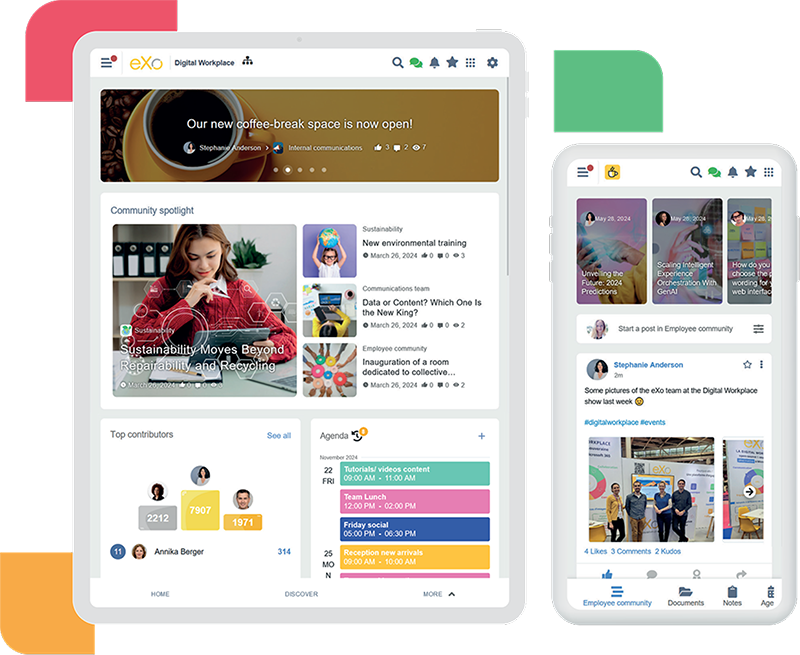
eXo Platform is a comprehensive open source digital workplace solution that unifies social collaboration, knowledge management, and enterprise portal capabilities. Designed for large organizations, it offers a modern, flexible, and scalable platform suitable for intranets, extranets, and project-based collaboration spaces.
The platform supports enterprise-grade standards, integration, and deployment options, making it a preferred choice for regulated industries and organizations seeking a unified digital experience.
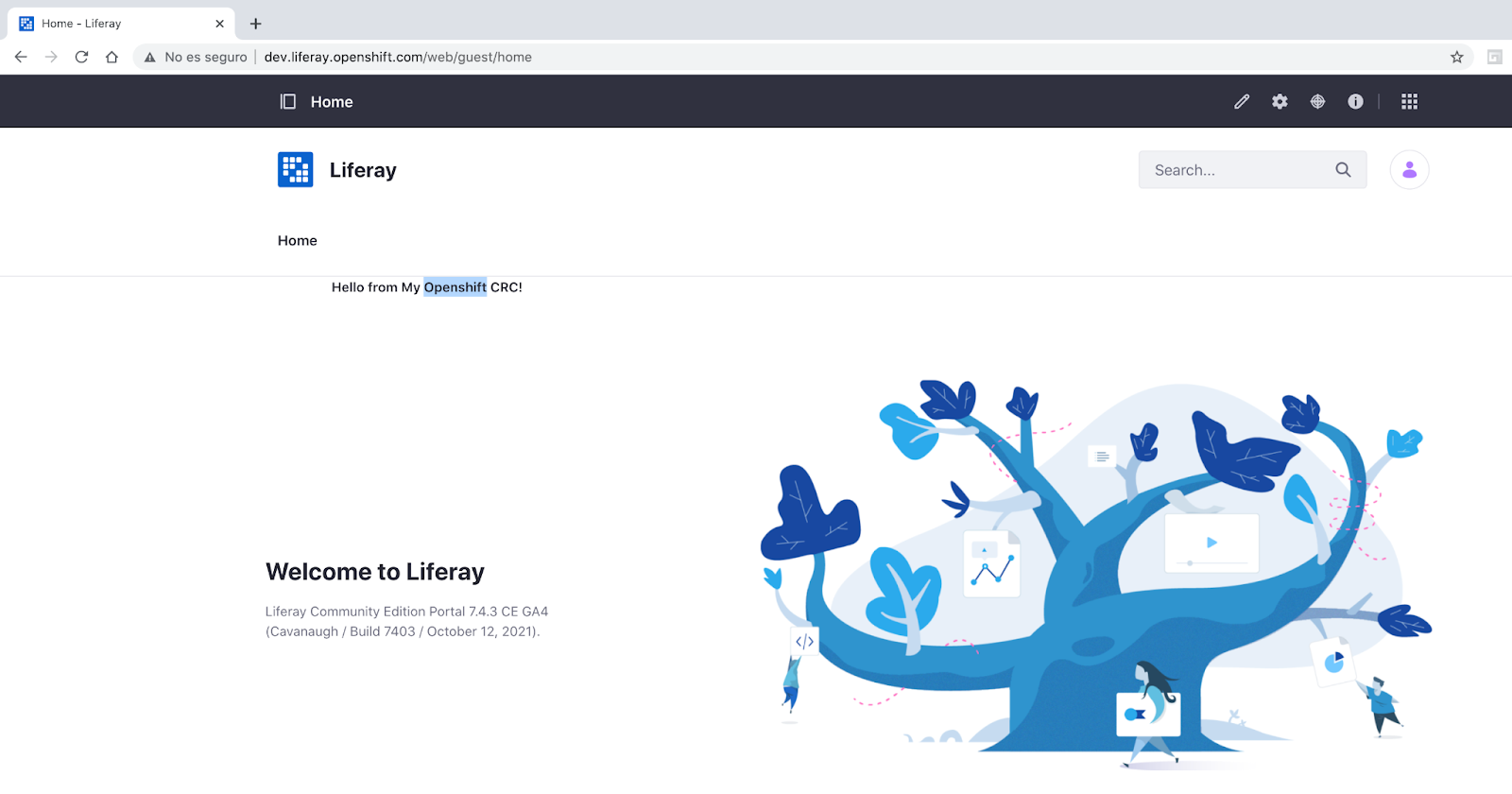
Liferay Portal (the open-source Community Edition of Liferay DXP) is one of the most established and widely adopted portal frameworks in the world. Known for its modular architecture, strong portlet support, and exceptional extensibility, it remains a top choice for organizations that require a robust, customizable, and integration-friendly digital experience platform.
Liferay combines CMS, collaboration, workflow automation, personalization, and enterprise integration into a unified, scalable solution. Thanks to decades of evolution and an active global community, it remains a reliable option for complex intranets, extranets, and multi-site portals.
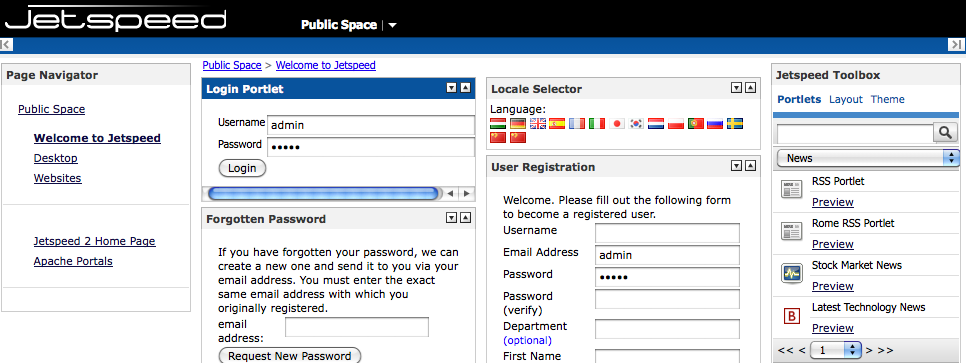
Apache Jetspeed 2 is an open source enterprise portal framework built on Java and OSGi standards. It provides a robust foundation for creating modular, customizable portals with portlet support, role-based access control, and integration capabilities. Designed for scalability and flexibility, Jetspeed 2 is suited for large organizations or institutions that require standards-compliant, developer-driven portal solutions.
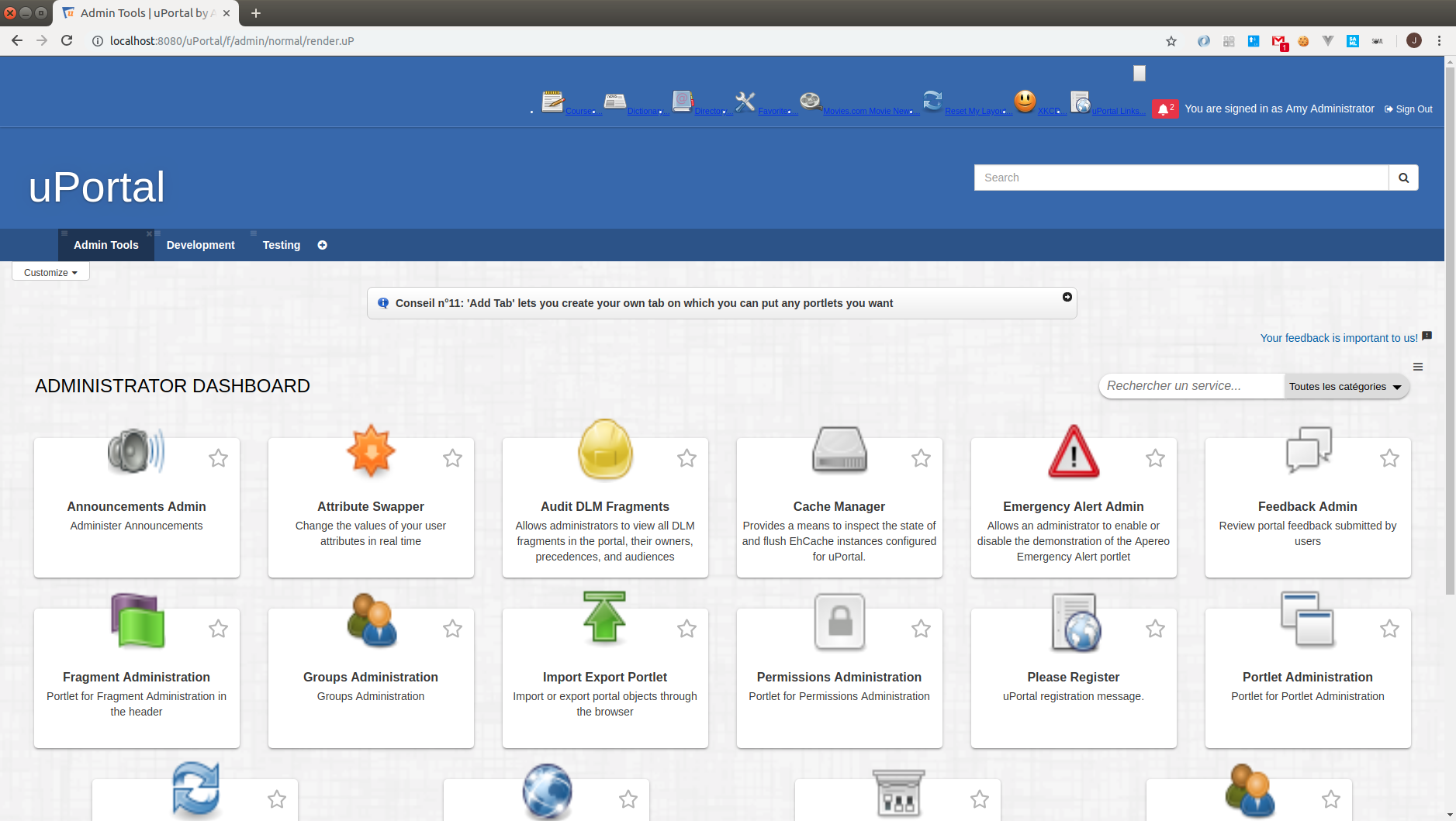
uPortal is an open source Java-based portal framework designed specifically for higher education institutions. It provides modular, customizable portal capabilities with strong support for authentication, role-based access, and integration with campus systems. uPortal’s focus on education workflows, multi-institution deployments, and community-driven development makes it a popular choice for student information portals, faculty dashboards, and campus intranets.
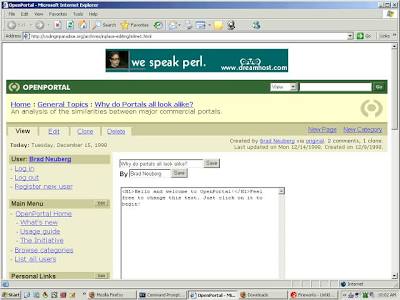
OpenPortal is an open source enterprise portal framework built on Java standards, designed to support modular portal development with strong emphasis on interoperability and standards compliance. It provides a flexible foundation for building customized intranets, service portals, and information hubs, particularly in environments that rely on Java EE architectures.
OpenPortal focuses on delivering core portal capabilities such as portlet aggregation, role-based access control, and integration with existing enterprise systems. While not as feature-rich as modern digital experience platforms, it remains a viable option for organizations seeking a lightweight, standards-based portal framework that can be extended through custom development.

Open Source Alternative to Microsoft 365
Empower your organization with eXo Platform to break free from Microsoft dependencies and enhance collaboration with innovative solutions
Open Source Alternative to Microsoft 365
Empower your organization with eXo Platform to break free from Microsoft dependencies and enhance collaboration with innovative solutions
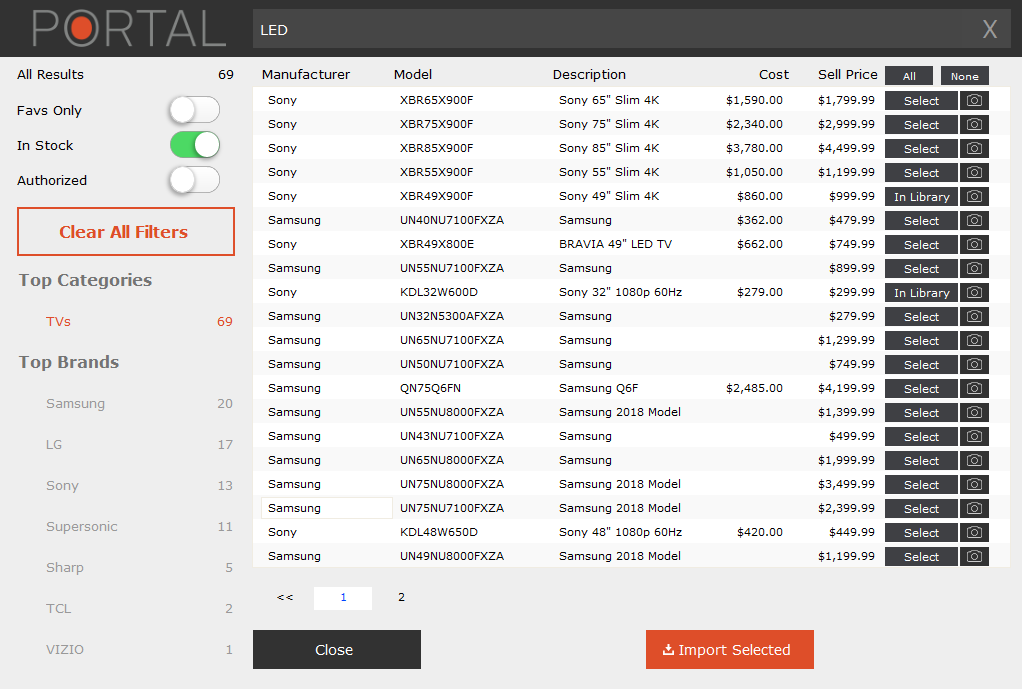
iPoint Portal is an open source portal and content management solution that focuses on simplicity, modularity, and ease of integration. Built to support enterprise portals, intranets, and knowledge-sharing platforms, iPoint Portal provides essential portal services such as content aggregation, user management, and role-based access control.
Designed with flexibility in mind, iPoint Portal can be adapted to various organizational needs through custom modules and integrations. However, it is generally better suited for structured information portals rather than modern employee engagement or collaboration-driven digital workplaces.
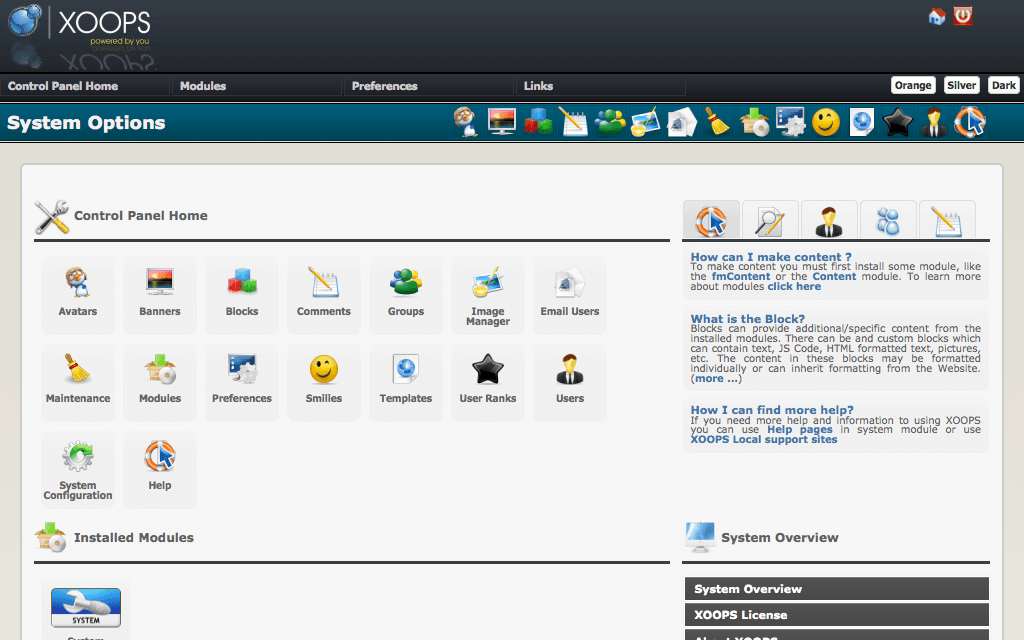
XOOPS is a long-standing open source web portal and content management system written in PHP. Originally designed as a community portal framework, XOOPS enables organizations to create modular websites, intranets, and content-driven portals using a wide range of extensions and themes.
XOOPS emphasizes simplicity and extensibility through modules, making it accessible for small to mid-sized projects. While it does not aim to compete with enterprise-grade portal frameworks or digital experience platforms, it remains a practical choice for lightweight portals, community sites, and basic intranet use cases.
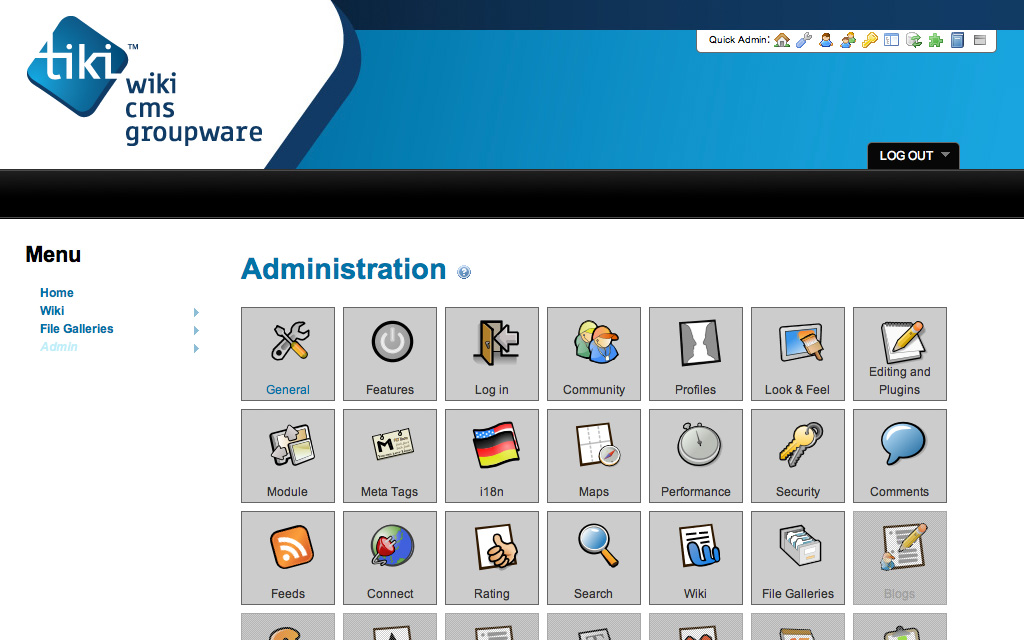
Tiki Wiki CMS Groupware, often referred to simply as Tiki, is an open source all-in-one platform that combines wiki, CMS, collaboration tools, and portal features. It is highly modular and configurable, making it suitable for intranets, knowledge management systems, community portals, and collaborative workplaces. Tiki’s comprehensive feature set allows organizations to manage content, communication, and collaboration within a single environment.
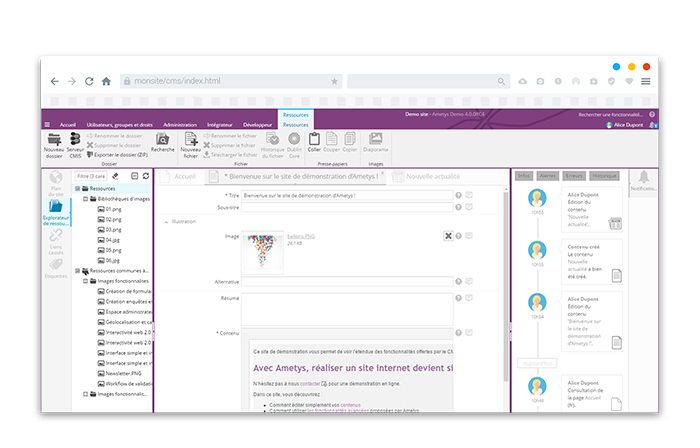
Ametys CMS is an open source Java-based content management system designed for organizations that require structured, scalable, and secure content management across complex websites and intranets. Developed with a strong focus on public institutions, education, and large organizations, Ametys emphasizes governance, accessibility, multilingual content, and compliance with enterprise requirements.
Built on a modular architecture, Ametys CMS supports multi-site management, advanced workflows, role-based permissions, and integration with external systems. While it is primarily a CMS rather than a full digital workplace or portal framework, it can serve as a solid foundation for content-heavy intranets, institutional portals, and public-facing platforms.
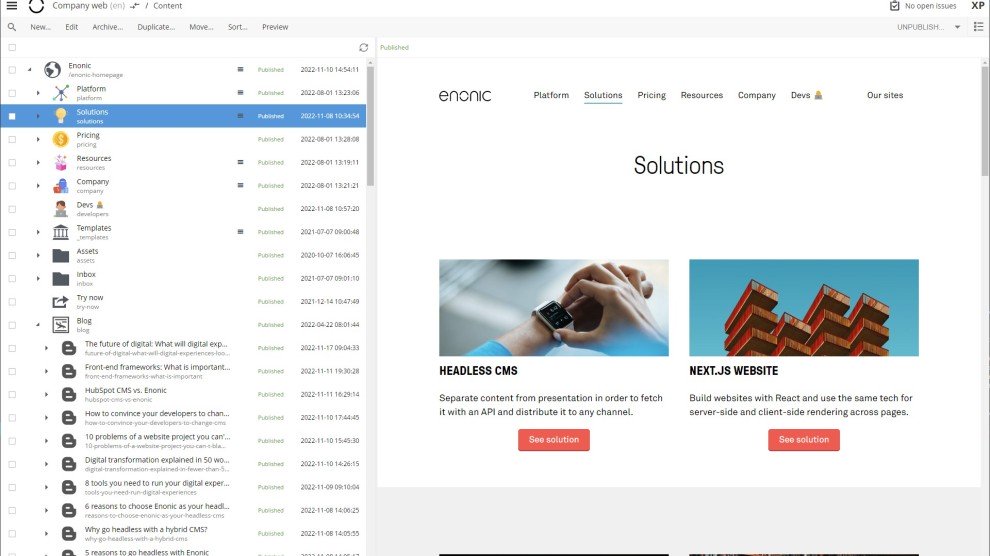
Enonic XP is a modern, high-performance open source platform that combines a CMS, application framework, and portal capabilities in one cohesive stack. Built on Java with Elasticsearch at its core, it offers both headless and traditional (coupled) CMS modes, enabling wide flexibility for developers and content teams.
Its architecture makes it ideal for organizations that need to deliver content across multiple channels, websites, mobile apps, portals, PWAs, with speed, scalability, and modern development practices. Enonic XP is especially popular among digital teams seeking a developer-friendly, API-first portal foundation.
The landscape of open-source portal software has expanded far beyond traditional web portals. Today’s solutions not only provide intranet and extranet capabilities but also integrate digital workplace features, collaboration tools, content management, and even learning or event management functionalities.
To help organizations navigate this diverse ecosystem, we have compiled a detailed comparison of over 10 open-source platforms. These platforms are suitable for building intranets, extranets, community portals, project management hubs, digital experience portals, and more. Each platform is analyzed across several dimensions:
| Platform | Overview | Language / Stack | Best For / Strengths | Portal / Collaboration Features | Pros | Cons |
| eXo Platform | All-in-one digital workplace combining portal, collaboration, and knowledge management | Java / JCR / Portlets / REST | Large organizations seeking a unified digital workplace | Social intranet, workspaces, ECM, wikis, tasks, calendars, SSO | Unified platform, enterprise-grade, modern UX, highly extensible | Requires Java expertise; resource-intensive at scale |
| Liferay Portal (CE) | Mature enterprise portal & DXP framework | Java / OSGi / Portlets | Complex intranets, extranets, multi-site portals | Portlets, CMS, workflows, personalization, integrations | Extremely flexible and scalable, strong ecosystem | Steep learning curve, heavy infrastructure |
| Apache Jetspeed 2 | Standards-based enterprise portal framework | Java / OSGi | Developer-driven custom enterprise portals | Portlet aggregation, RBAC, customizable layouts | Standards-compliant, modular, Apache backing | Minimal out-of-the-box features, dated UX |
| uPortal | Academic-focused portal framework | Java | Universities and campus portals | Portlets, SSO (CAS/Shibboleth), dashboards | Tailored for education, strong integrations | Limited enterprise use, outdated UI |
| OpenPortal | Lightweight Java enterprise portal framework | Java / Portlets | Custom intranets and service portals | Portlets, RBAC, system integration | Simple, standards-based, flexible foundation | Weak UX, no native collaboration features |
| iPoint Portal | Modular open-source portal & CMS | Java | Information-centric intranets and portals | Content aggregation, user management, RBAC | Lightweight, flexible, no license cost | Limited collaboration, small ecosystem |
| XOOPS | Community-oriented CMS and portal | PHP | Small portals and community sites | Modules, themes, user management | Easy to deploy, low technical barrier | Not enterprise-grade, limited scalability |
| Tiki Wiki CMS Groupware | All-in-one wiki, CMS, and portal platform | PHP | SMEs, NGOs, knowledge portals | Wiki, CMS, forums, collaboration tools | Very feature-rich, single-platform approach | Complex UI, steep learning curve |
| Ametys CMS | Enterprise-grade open-source CMS | Java | Public sector, education, institutional portals | CMS, workflows, multisite, permissions | Strong governance, accessibility, compliance | CMS-centric, weak collaboration |
| Enonic XP | Modern CMS and application platform with portal capabilities | Java / JavaScript / Elasticsearch | Developer-led modern portals and PWAs | Headless or coupled CMS, APIs, multisite | High performance, modern architecture | Limited social and collaboration features |
The 10 open-source portal platforms presented in this guide reflect the diverse needs of modern digital workplaces. They range from traditional portal frameworks to fully integrated collaboration hubs, addressing a variety of organizational priorities:
All of these platforms share a common advantage: open-source flexibility, extensibility, and scalability, making them strong alternatives to proprietary software.
✨Highlight: Among these, eXo Platform consistently stands out. It delivers a unified social, content, and collaboration experience, enhanced with enterprise-grade compliance, AI-powered insights, and robust integration capabilities, ideal for organizations seeking a modern, large-scale digital workplace.
This summary underscores that whether an organization prioritizes collaboration, content management, learning, or developer flexibility, there is an open-source portal solution that can meet its needs while avoiding vendor lock-in and high licensing costs.
The landscape of open-source portal software offers organizations unprecedented opportunities to build digital workplaces that are flexible, cost-effective, and tailored to specific needs. From comprehensive platforms like eXo Platform to specialized solutions for collaboration, learning, content management, or event management, the options today demonstrate maturity, stability, and innovation that rival and sometimes exceed proprietary alternatives.
Among these platforms, eXo Platform stands out for its balanced mix of enterprise-grade capabilities, social collaboration, content management, and extensibility, all within a truly open-source framework. It is particularly compelling for organizations that want:
Ultimately, the “best” portal depends on specific organizational requirements: infrastructure, team expertise, use cases, scale, and long-term digital strategy. The most successful implementations align technology choices with business objectives, engage stakeholders throughout, and prioritize user adoption alongside technical deployment.
The future of organizational portals lies in their ability to evolve from static information repositories into dynamic, intelligent digital ecosystems that enhance productivity, foster collaboration, and adapt to changing work patterns. Open-source solutions, with their flexibility, community-driven innovation, and strategic freedom, are uniquely positioned to lead this transformation, and eXo Platform provides a particularly strong foundation for building a modern, integrated digital workplace or community platform.
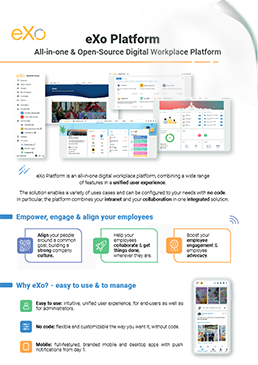

eXo Platform : The Open-Source
Digital Workplace Platform
Download the eXo Platform Datasheet and discover all the features and benefits

Download the eXo Platform Datasheet and discover all the features and benefits
An extranet is a private, controlled-access portal that facilitates communication and collaboration between an organization and authorized external users. These users may include clients, suppliers, partners, consultants, distributors, or remote teams.
Extranets are essentially private networks that allow authorized external users to access specific internal information and applications of an organization. Think of them as a secure bridge between your company’s internal systems and the outside world, but only for trusted partners, customers, or vendors.
Here’s a more detailed, human-friendly breakdown of how they operate:
To clarify the role of extranets, let’s compare them with intranets and the internet:
Some of the top benefits of implementing extranet include:
➝ See the full features list to Help You Choose the Right Extranet
You’re looking to implement an extranet, and that’s a smart move for collaborating with external partners! Here’s a rundown of best practices, made easy to read and with some updated use cases.
Think of an extranet as a secure, online space where you can share information and collaborate with people outside your organization, like clients, vendors, or contractors. To make sure it’s a hit, you’ll want to keep a few key things in mind:
An extranet isn’t a “set it and forget it” tool.
➝ ➝ See the best practices for Implementing an Extranet in detail
Security is absolutely critical for your extranet, as you’re sharing sensitive information with external parties. Think of it like safeguarding a digital vault – you need multiple layers of protection.
Here’s a human-friendly guide to keeping your extranet super secure:
When it comes to your extranet, security isn’t just a feature; it’s a non-negotiable foundation. Here’s how to build a fortress for your shared data:
Security isn’t a one-time setup; it’s an ongoing commitment.
intranet is a term used with abundance whenever the subject of internal communication and collaboration is brought up which makes defining it a bit challenging. In its simplest form, an intranet is an internal website for your organization. It is used mainly for top-down communication where employees can access corporate news, policies and announcements.
A CMS intranet is a secure internal platform that allows employees to create, manage, and share content across the organization. Think of it as your company’s digital headquarters—where communication, collaboration, and information management come together in one place.
( Your e-mail address will not be published)

I am a Digital Marketing specialist specialized in SEO at eXo Platform. Passionate about new technologies and Digital Marketing. With 10 years' experience, I support companies in their digital communication strategies and implement the tools necessary for their success. My approach combines the use of different traffic acquisition levers and an optimization of the user experience to convert visitors into customers. After various digital experiences in communication agencies as well as in B2B company, I have a wide range of skills and I am able to manage the digital marketing strategy of small and medium-sized companies.