

FREE WHITE PAPER
Artificial intelligence has rapidly become part of everyday work. Employees experiment with AI tools, generate content, and explore new ways to be more productive.
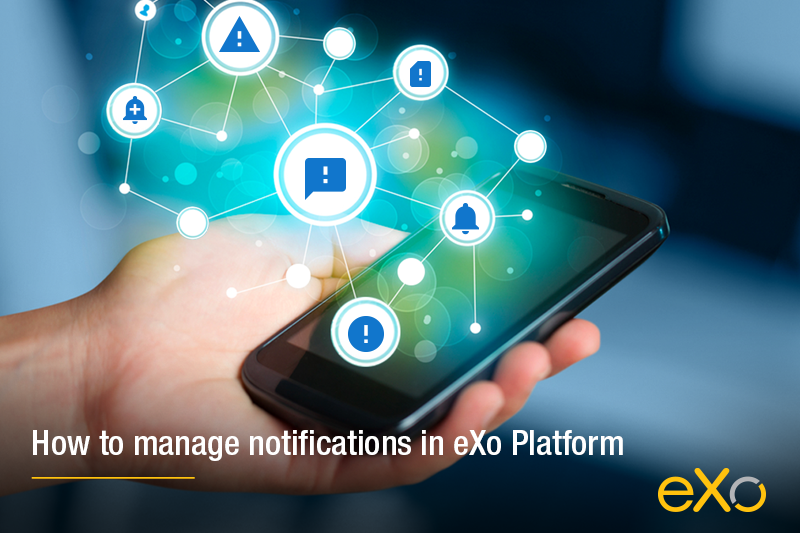
How many times a day do you check your phone to see if someone liked your post on social media or your boss sent you an email? You probably lost count.
The applications we use every day for personal or professional use are available on the many devices we own.
This means we can stay updated on the latest news and activities whenever as long as the app we are using has the right notifications settings.
In this blog post, we will explore the notifications system within eXo Platform and discuss how to set up and manage your notifications.
eXo Platform users are provided with a notification system that allows them to stay up-to-date with the latest activities within the platform. Three notification types are available: on-site, mobile push and email.
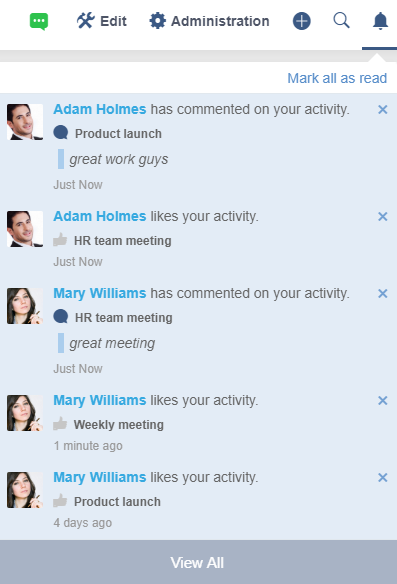
As its name implies, on-site notifications allow you to be notified in real time without the need to refresh the page. Whether someone sends you a message, mentions you in a post or comments on and likes one of your posts, the activity will be pushed instantly into the notifications menu. A notification icon will be displayed on the top bar showing the number of activities.
By clicking on the icon, you can check your notifications starting with the most recent ones, select “view all” to get a holistic view of your activities or “mark all as read” to change all messages on the menu to the read status.
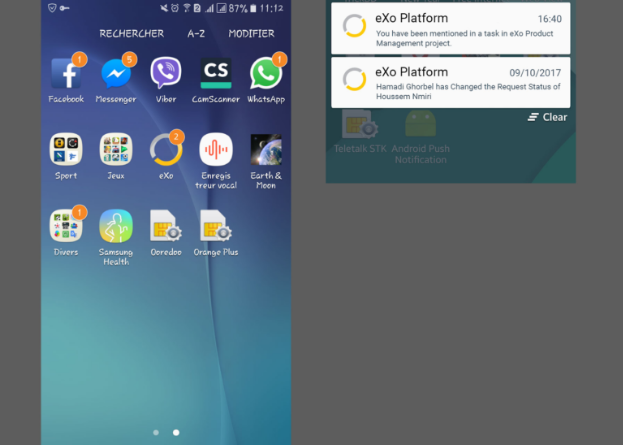
A mobile push is a real-time notification that pops up instantly on mobile devices running iOS and Android. This notification is triggered when an action is taken on the platform. Once you open your mobile device, you can see the notification with the same content as the on-site notification along with the eXo logo and the receipt time. Clicking on it opens the activity.
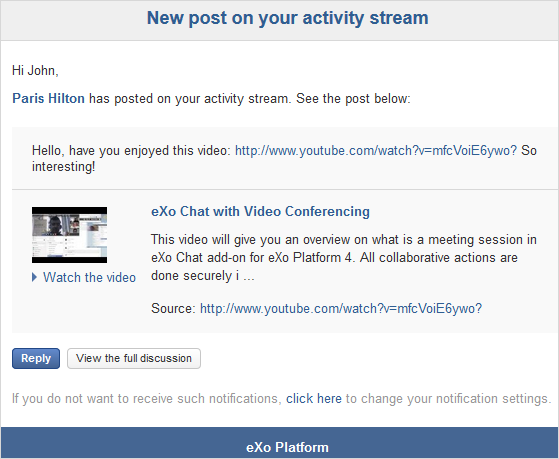
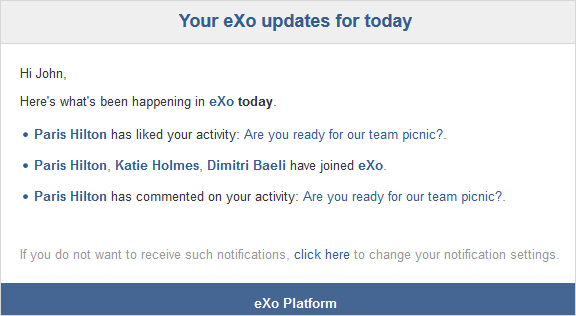
You may choose to be notified via email by enabling email notifications on the notifications menu. Two types of emails are available:
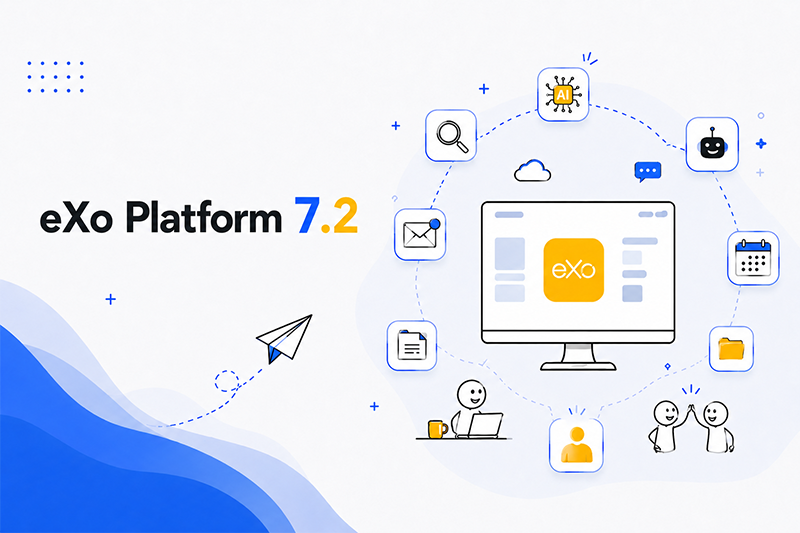
AI-Augmented Digital Workplace
Artificial intelligence has rapidly become part of everyday work. Employees experiment with AI tools, generate content, and explore new ways to be more productive.


Artificial intelligence has rapidly become part of everyday work. Employees experiment with AI tools, generate content, and explore new ways to be more productive.
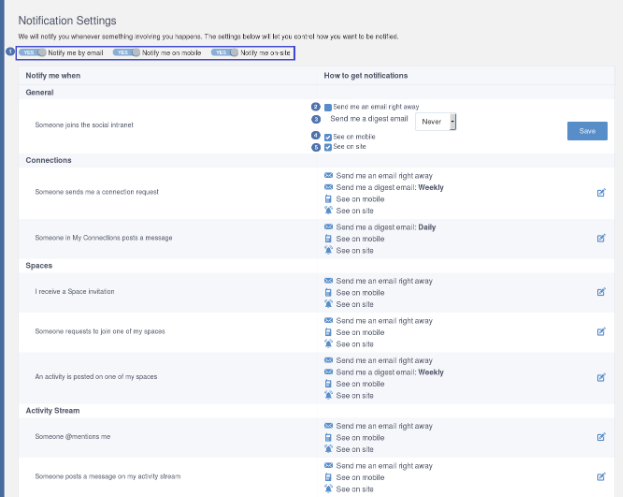
You have the ability to choose the most convenient way to be notified by changing your notification settings. To do that, select “My notifications” from the drop-down menu; you will then be redirected to the notification settings page.
At the top of the page, you will find the three notification types. Click on each type to enable or disable notifications.
You may also personalize your notifications based on activities and events. For example, you may choose to be notified via on-site and mobile push notifications for activities like mentions or comments and via email notifications for activities like posts on a space.
Providing our customers with real-time communication and collaboration is our main priority and vision here at eXo. Notifications represent an important pillar of this vision because they make communication instant and working on projects easier. We are continuously innovating and planning new upgrades to provide our clients a complete solution capable of meeting their growing demands. Follow our blog to stay up-to-date with new developments, and join our community to try out different features.

Download the eXo Platform Datasheet and discover all the features and benefits
( Your e-mail address will not be published)
I am a product marketing specialist at eXo. My role is to assist marketing and sales teams in their operations and present our digital workplace solution to the world. I mainly blog about the latest tech trends, digital transformation, internal communication and how to navigate through eXo Platform.